Invitations as beautiful as the day itself.
Design your invitation, publish it with one link, and keep track of every reply — from the first “save the date” to the final seating chart.
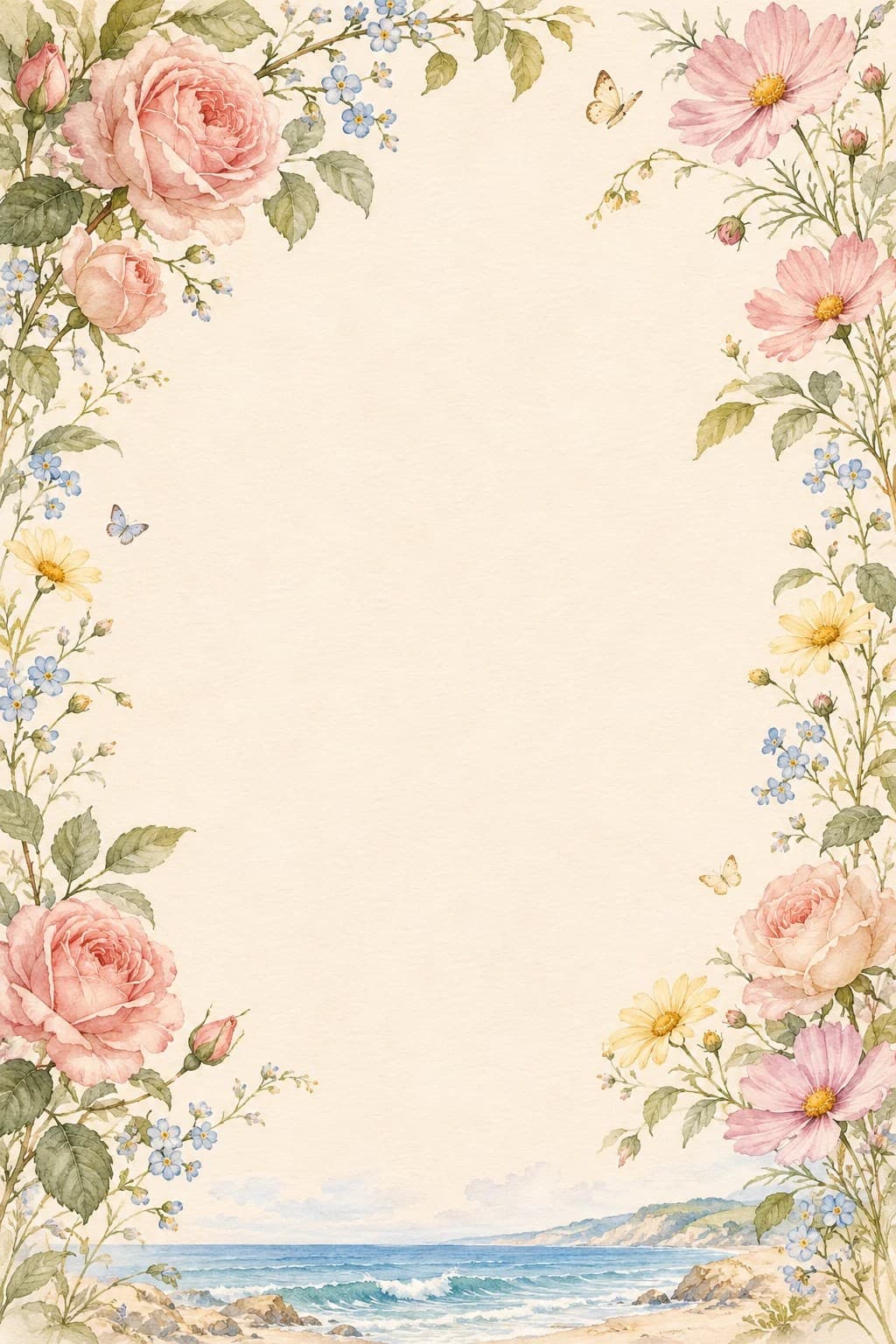
Together with their families
Katherine
&
Michael
request the pleasure of your company
Saturday, the twelfth of June
RSVPNew reply
2 guests attending
Everything your guests need, in one link
One invitation page holds the details, the RSVP form, the menu and the wishlist.
Templates you can make your own
Start from an illustrated layout, then change every section, color, photo and font in a live editor.
Envelope openings
Greet guests with a wax-sealed envelope, lace or stained-glass cover that opens to the invitation.
Guest list and households
Import guests from CSV, group them into households and send each one a personal invite link.
Replies in one place
See who is coming at a glance, filter replies, correct them with a reason and export to CSV.
Meal choices and questions
Ask for meal preferences, dietary needs or anything else right in the RSVP form.
Wishlist and music
Share a gift wishlist and set background music that starts when guests open the invitation.
From idea to replies in three steps
- 1
Design
Pick a template, add your names, date, venue and photos. Preview every change as you go.
- 2
Publish
Publish with one link, or download a QR code for printed cards. Unpublish any time.
- 3
Track
Replies arrive as guests answer. Collaborate with co-organizers and export when you're ready.


Simple pricing, no surprises
Create an account and design for free. Pay only when you're ready to publish and share your invitation.
Each published event uses one slot from your plan. Slots stay used even if the event is later unpublished or deleted.
Ready to send your invitation?
Create a free account to start designing. Subscribe when you're ready to share.
Create your free account